
A night between campaign sessions
Prepare a self-contained adventure when the regular group cannot continue its campaign. Start with a clear objective and finish with an outcome, without creating a new campaign framework.
From opening hook to final choice
Prepare flexible scenes, useful NPCs, alternate routes and a satisfying ending. Give your next tabletop session a playable structure, not just a story idea.
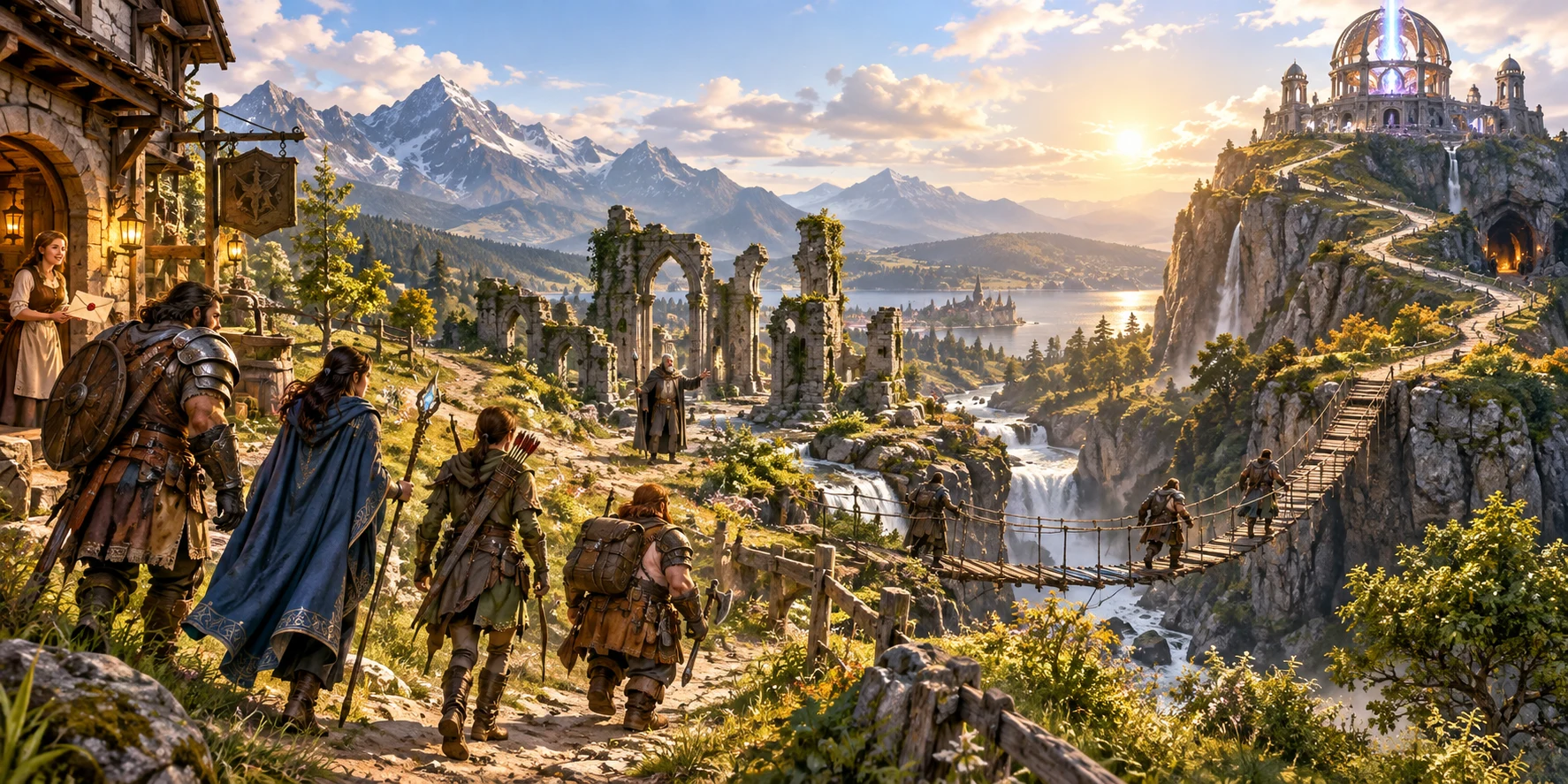
For the session you actually need
A one-shot needs more than a promising premise. Bring the opening, people, places, choices and ending together in a short adventure you can review, adapt and take to your table.
Prepare a self-contained adventure when the regular group cannot continue its campaign. Start with a clear objective and finish with an outcome, without creating a new campaign framework.
Choose the party tier, tone and primary location, then review the adventure for your players. A player brief gives them a starting point without exposing your private NPC information.
Use the generated material as a prepared foundation. Review the names, challenges and consequences, then adjust the structured adventure to suit your table and chosen rules.
Choose Quick for the core decisions or Deep when you want more control. Built-in help explains the choices and workflows, so you do not have to understand the whole tool before starting.
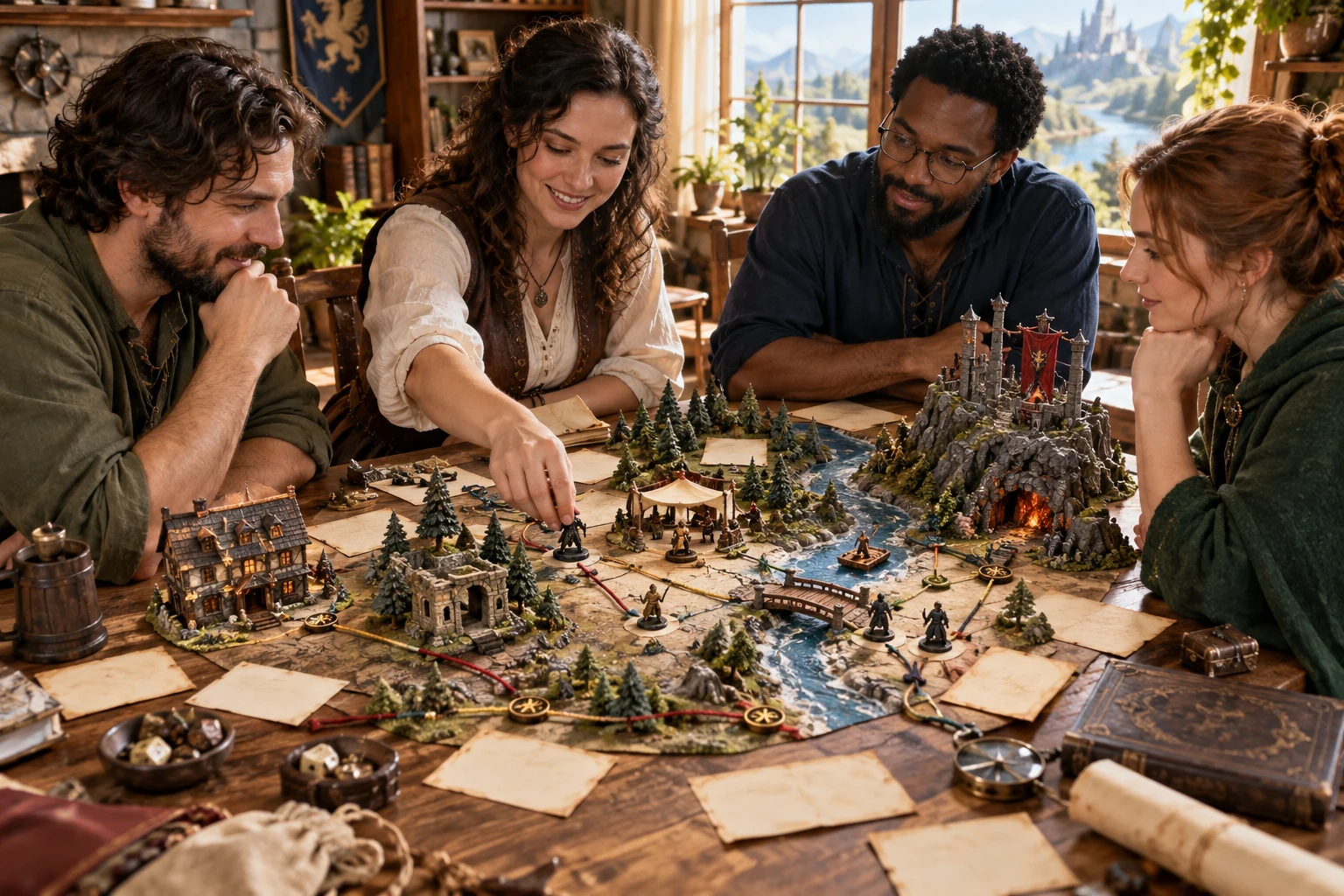
Choices that lead somewhere
Scenes offer approaches, clues and complications. Success can give clean progress; partial success adds a cost; failure leads onward with new pressure.
Use alternate routes and a midpoint revelation to keep the session moving when the obvious plan changes.
A clear preparation journey
Go from the kind of evening you want to a structured adventure, with the important decisions visible rather than hidden inside one open-ended prompt.
Start with adventure type, session length, party tier, tone and primary location. Mystery, rescue, hunt, diplomacy and exploration presets help you set a direction.
Deep mode lets you set scene and NPC counts, social and investigation emphasis, combat and exploration balance, stakes, urgency, a midpoint twist and ending style.
Read the premise, opening, scenes, NPC motives, locations and alternate routes. Check how the midpoint leads to the climax and how different outcomes affect the ending.
Adapt the material to your rules and players. Copy the player-safe brief, keep DM secrets separate and use pacing checkpoints as guidance rather than a guaranteed session clock.
What comes together
The generator is focused on short-adventure preparation. Its output gives you connected sections to review and run, while your judgement and chosen tabletop rules remain important.
Start with a clear objective, a reason to act and a visible deadline. Choose how the adventure opens, from an urgent request to a discovery or an unexpected incident.
Each scene includes its purpose, read-aloud opening, challenge, possible approaches, clue, complication and outcomes. Deep preparation supports four to eight scenes.
Give scenes distinct location anchors and practical environmental features. The adventure describes places to play in; it does not generate a graphical battlemap.
Prepare two to six NPCs with a public goal, manner, private truth and useful leverage. Keep their hidden information in the DM view rather than the player briefing.
Success, partial success and failure have different consequences. A failed check can raise urgency or introduce a cost while an alternate route keeps the session moving.
Build toward a midpoint revelation and a final choice. Include different resolutions and rewards, with pacing checkpoints to help you reach the ending within your intended session.
Save validated adventures to your VISINVOKE account, find them by name, duplicate a record and reopen prior saved revisions. Account access is required for the library.
Prepare a combat-capable scene with its objective, opposition seed, location zone and dormant complication. Tune the encounter in Combat PRO; the whole adventure and live combat state are not transferred.
Start simply. Add deliberate detail.
Choose the amount of preparation that fits the job. Both routes create a complete adventure structure; Deep exposes the extra controls for shaping it.
Choose adventure type, session length, party tier, tone and primary location. Generate a complete starting package, then review it instead of filling out every advanced control first.
Set four to eight scenes and two to six NPCs. Adjust the balance of social play, investigation, combat and exploration, so the adventure’s emphasis fits the kind of session you want.
Set stakes, urgency, twist style, ending style, rewards and opening method. Choose alternate-path count and content tone to give the session a deliberate direction.
Short, Standard and Extended profiles target roughly three, four or six hours. Review timeboxes and quarter-session checkpoints, and combine optional scenes when your group needs to reach the climax.
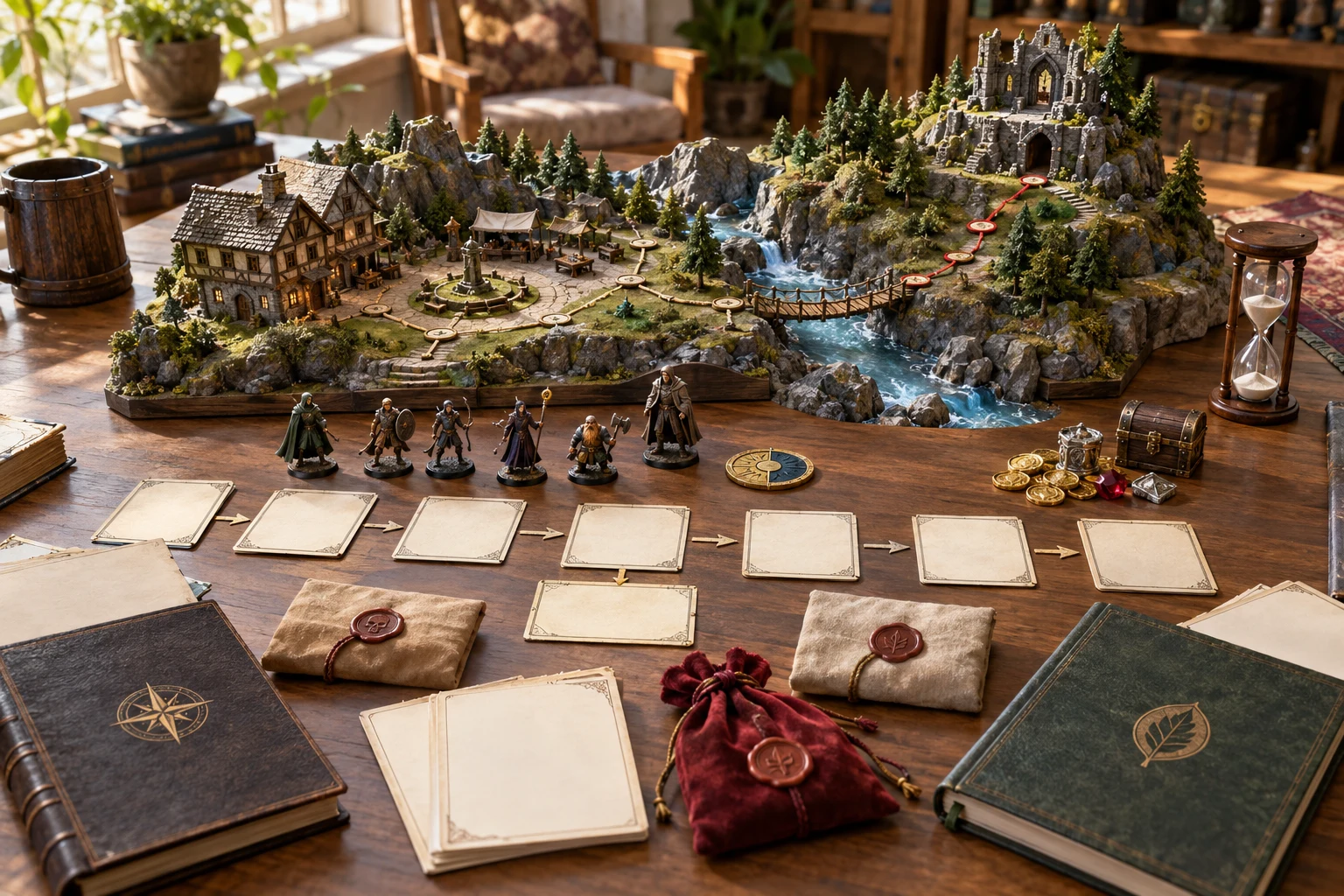
Ready to review and adapt
Follow the opening through connected scenes to a midpoint, climax and ending. Locations, NPC motives and rewards give you material around the central objective.
Use different success, partial and failure outcomes so a missed check changes the situation instead of stopping the evening.
Keep the useful work
Adventure preparation rarely stops at the first result. Use focused scene changes and your account library to keep material you like and build a reusable collection.
Select an unlocked scene to reroll while every other scene record stays locked. This protects those scene records; review surrounding NPCs, locations and summaries before treating the whole adventure as unchanged.
Edit the adventure as structured JSON when you need precise changes to names, scenes or other sections. Apply valid structure, then validate and save. This is structured editing, not a drag-and-drop visual editor.
Save validated adventures, search by name and reopen them later. Duplicate a saved adventure when you want a separate variation rather than replacing the original record.
Major saved revisions retain previous versions you can reopen. Account library access depends on your connected VISINVOKE session; local preparation is not a guarantee of an account save.
Focused on one useful job
Keep preparation, sharing and live encounter play distinct. This product stands on its own, with clearly bounded optional connections.
The player brief contains known starting information, while private truths and DM guidance stay in the DM view. Review any manual edits before sharing, especially if you move secrets into public text.
Copy the player brief or full DM adventure, download structured JSON, or print the current view using your system print dialog. It does not promise a formatted PDF publishing workflow.
Choose a combat-capable set-piece. Transfer its objective, opposition seed, location zone and dormant complication, then tune its statistics and run it in Combat PRO with the required access.
Quest and Campaign products remain separate. This generator does not transfer the entire adventure, produce a graphical battlemap, run initiative or manage mutable combat state.
Choose the access that fits your collection
Adventure & One-Shot Generator is a paid standalone generator, not an image-credit plan. Create a free account first, then review your generator selection and subscription in that account.
Select Adventure & One-Shot Generator as your individual generator. A free VISINVOKE account alone does not include this paid product.
Use a five-generator pack when you need this tool alongside other eligible standalone generators. The pack buys selection capacity, not five image credits or automatic access to every product.
The account catalogue offers larger selected-generator packs. Choose the capacity and actual generators you need, and review applicable subscription and reselection terms before proceeding.
Combat PRO, D&D Image System and Professional Image System have their own access models. A standalone generator subscription does not automatically include those products or image and animation credits.
Spend your preparation time reviewing choices, challenges and consequences rather than assembling unrelated hooks, NPCs and endings from scattered notes.
Keep a searchable library, duplicate adventures for a new group and reopen previous revisions. Build a collection around the way you actually run sessions.
Start Here and How Do I guidance explain controls, scene iteration, saves, player briefing and optional handoff. Use the guided help alongside the work, not as a replacement for reviewing it.
Adapt the generated structure to your players, tone and chosen rules. The tool prepares material; it does not claim to replace a game master or guarantee every table’s outcome.
Build your tabletop toolkit
Each card opens that product’s own website. Review its purpose and access separately; a related product is not a promise of automatic synchronisation or included subscription access.
Discover and open your supported Windows products through one connected VISINVOKE account.
Explore environment packs for tactical locations and the places your adventures visit.
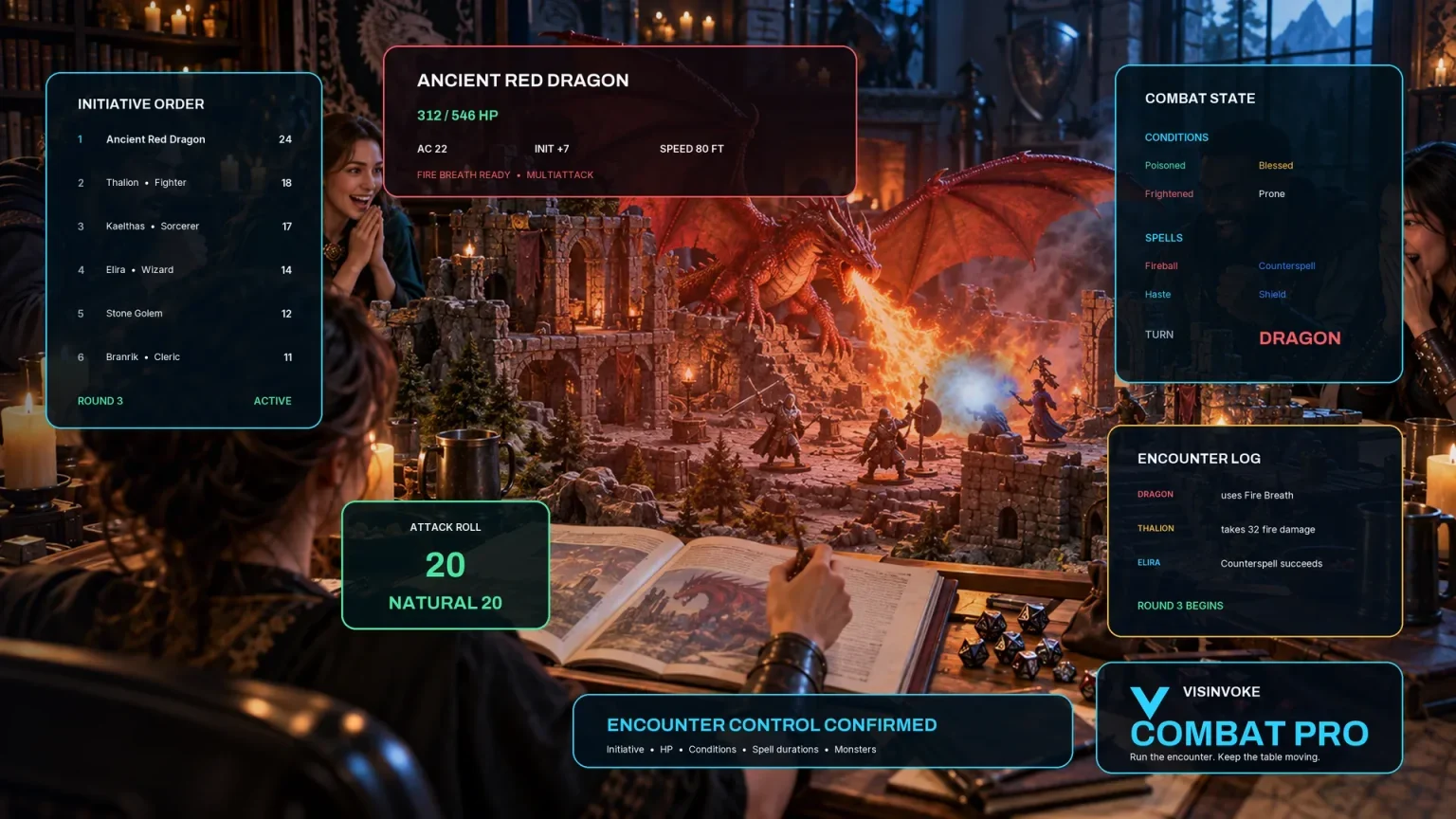
Prepare and run tabletop encounters. The adventure’s optional handoff sends one selected set-piece.
Create focused character, monster, item and location images to complement your adventure.
Create guided commercial visuals for websites, brochures and wider creative projects.
Explore a separate futuristic RPG experience with its own world, characters and progression.
Product artwork illustrates capabilities, not application screens or actual generated adventure exports.
Quick answers
Understand what you can create, what stays separate and what you need before opening the generator.
A structured short playable adventure with a premise, opening hook, scenes, locations, NPCs, alternate routes, a midpoint, climax, endings, rewards and pacing guidance. It creates adventure text and structure, not images or a graphical battlemap.
Quick presents five core choices: adventure type, session length, party tier, tone and primary location. Deep adds scene and NPC counts, scene balance, stakes, urgency, twists, endings, rewards, opening method, alternate paths and content tone.
Yes. Reroll a selected unlocked scene while the other scene records remain locked. You can also lock scenes before another generation. This preserves the other scene records, not a promise that all top-level NPCs, locations or summary material remain unchanged.
Use the separate player brief for the known premise, objective, stakes and starting information. Private NPC truths and DM guidance stay in the DM adventure. Copy the chosen brief, download structured JSON or print the current view. Check any manual edits before sharing.
No. Adventure & One-Shot Generator is a standalone short-adventure product. Quest and Campaign tools have different responsibilities. The optional selected-scene handoff requires appropriate Combat PRO access; running live combat remains in Combat PRO.
Create a free VISINVOKE account first. The generator is US$1.99 per month as one selected standalone generator, or can occupy a selected slot in an eligible generator pack. A free account alone does not include paid access. Get Desktop Command Centre from your account installer page and open the generator on Windows with the required entitlement.
Continue in VISINVOKE
Create a free VISINVOKE account first and choose the required generator access.
Get Desktop Command Centre from your account installer page. Sign in on Windows, then open Adventure & One-Shot Generator.